Create Your Site
Prerequisites
To create this hello world app we're going to use a build tool called Vite.
Node.js Required
This will require Node.js version 14.18+, 16+ to be installed.
Create The Project
We're going to be creating a javascript project with the Vite vanilla template.
To do that either follow the instructions here or run:
$ npm create vite@latest
You can then follow the prompts to create your project like this:
✔ Project name: … hello-world
✔ Select a framework: › Vanilla
✔ Select a variant: › JavaScript
You should now have a new project created and can run:
$ cd hello-world
$ npm install
$ npm run dev
Which will install and start the project.
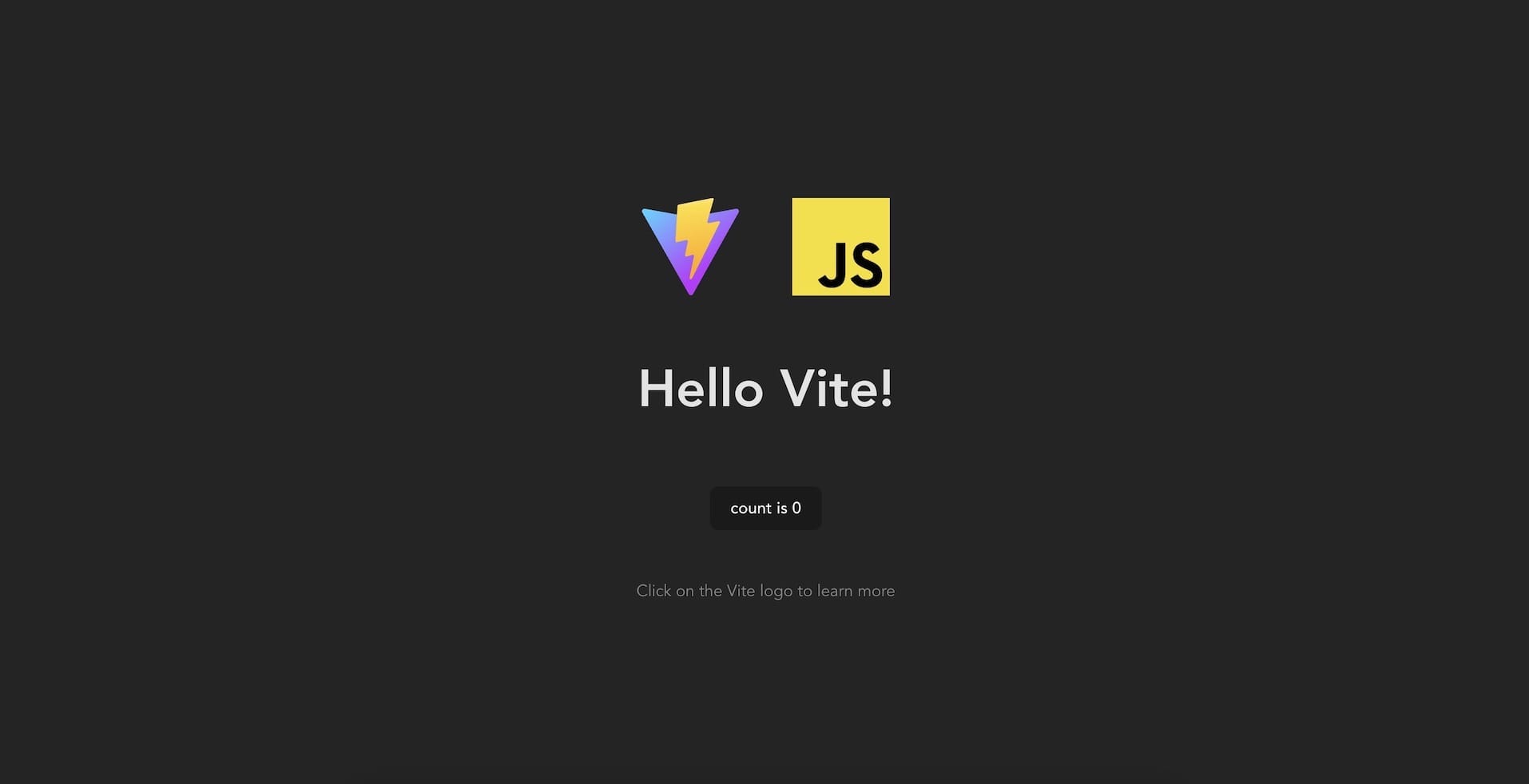
Opening the browser to http://localhost:5173/ you should now see a starter Vite page.
Enable CORS for Developement
Since Vite v6.0.9 CORS is disabled for the development server.
CORS will be needed so that Owlbear Rodeo can access your site.
Create a new vite.config.js file in the root of your project:
/vite.config.js
import { defineConfig } from "vite";

// https://vite.dev/config/
export default defineConfig({
  server: {
    cors: {
      origin: "https://www.owlbear.rodeo",
    },
  },
});